
Spotify Musik durchstöbern
Browse your Spotify library, select playlists, play tracks, and follow artists to stay updated on new releases.
Explore your favorite music using Spotify with these straightforward steps. Before you begin, ensure you have a Spotify account and access to the Spotify app.

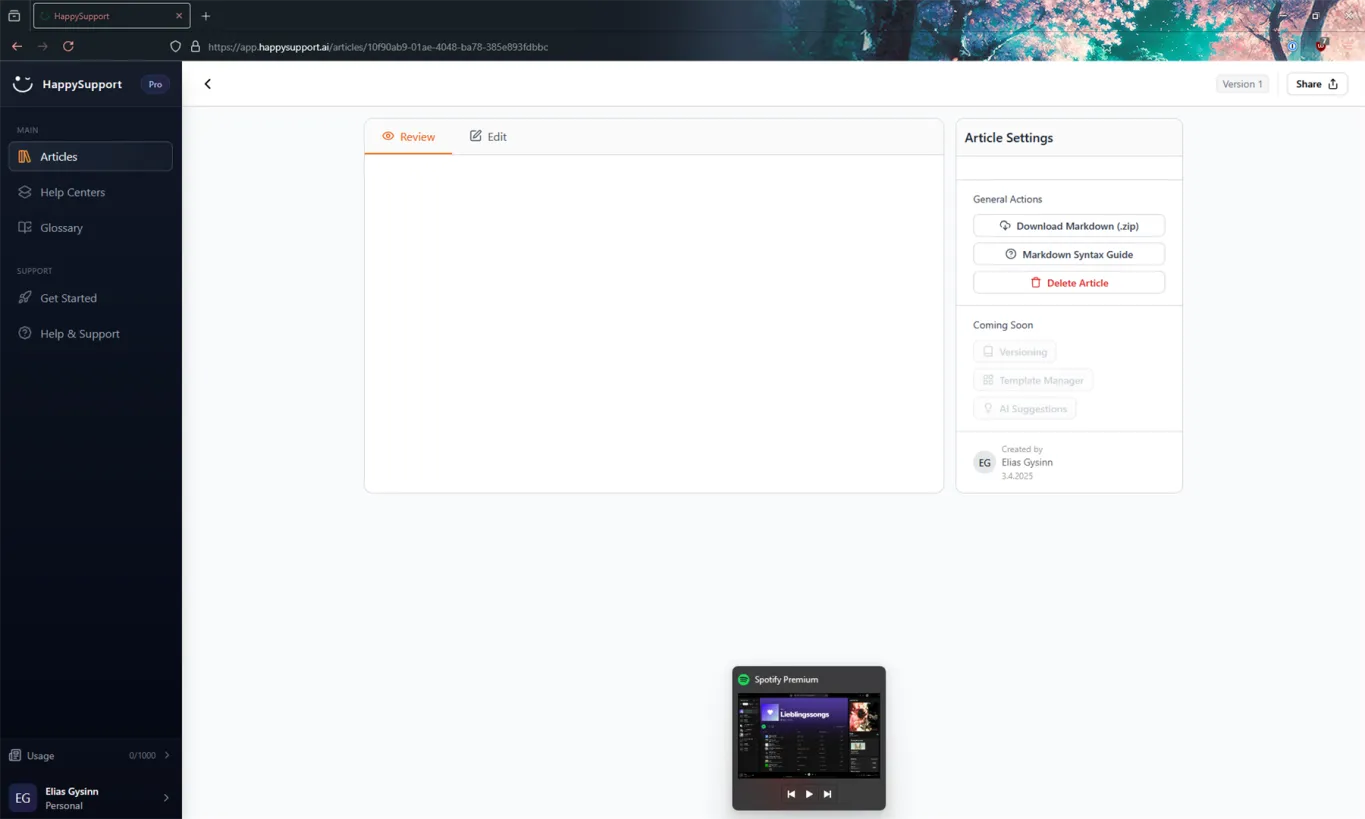
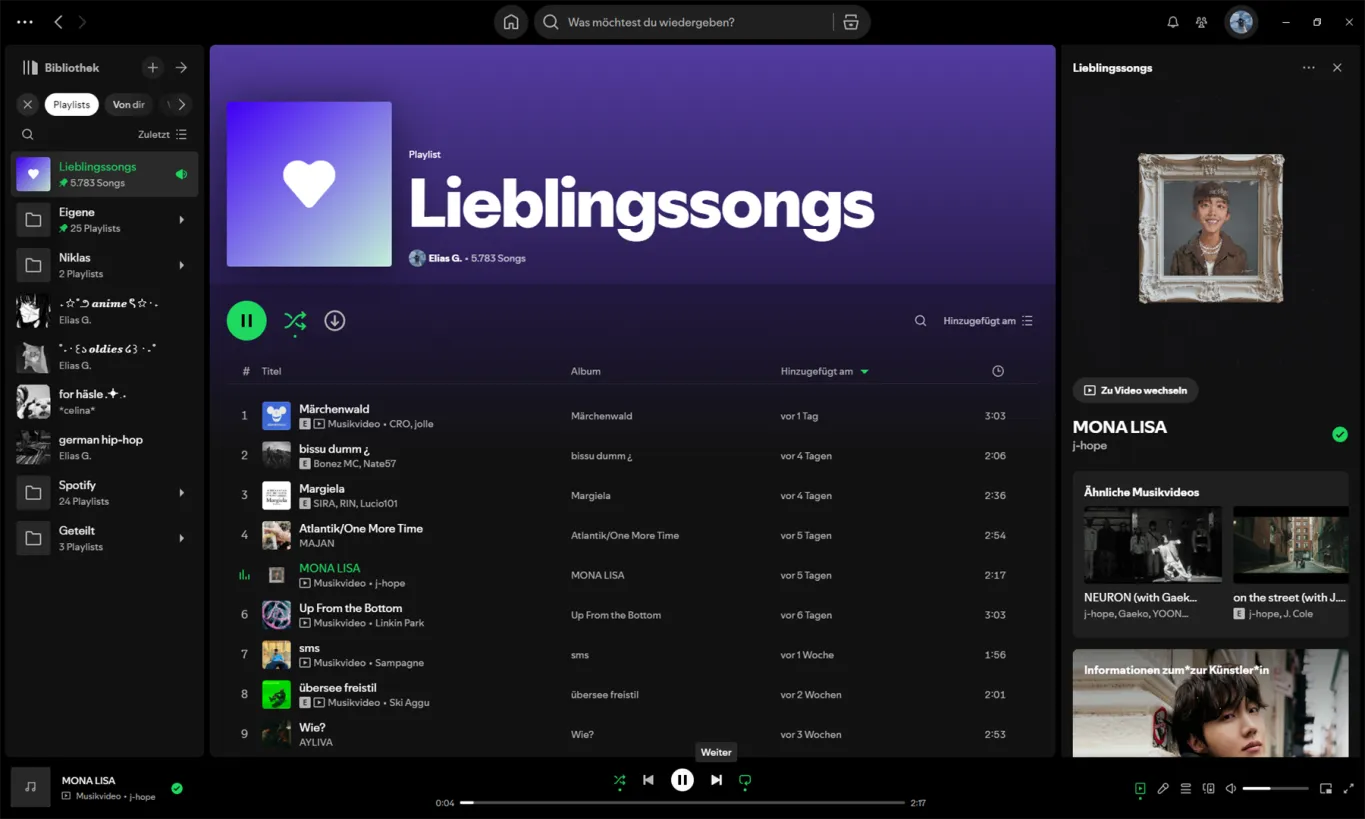

Step-by-Step Instructions
1. Open Your Spotify Library
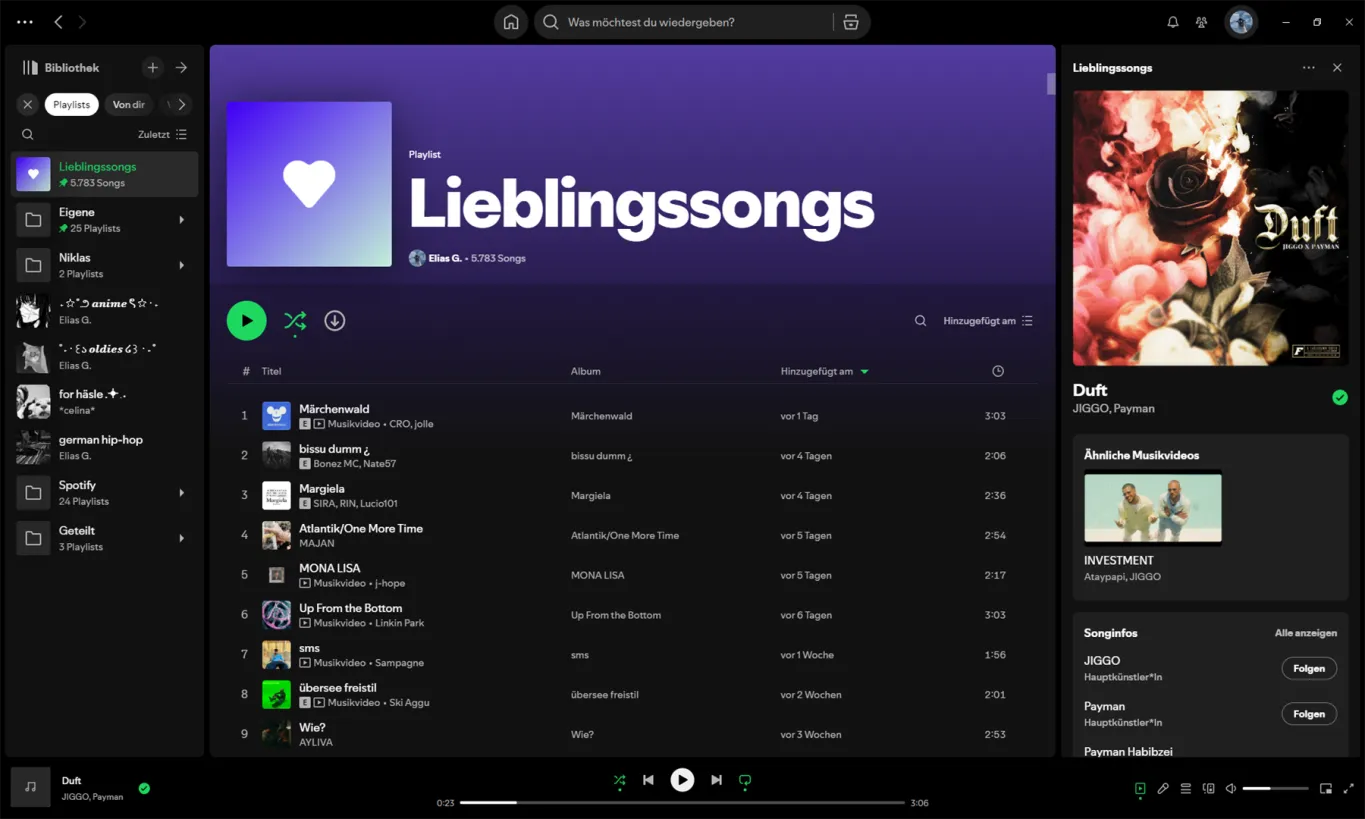
Navigate to Spotify's main interface and locate the "Bibliothek" sidebar on the left. Click on the "Bibliothek" which is your library, containing various playlists, albums, and favorite tracks.
2. Select a Playlist
Click on the playlist titled "Lieblingssongs" within your library. This action highlights the playlist and displays comprehensive details in the main window, such as the number of songs and the playlist owner.
3. Play a Specific Song
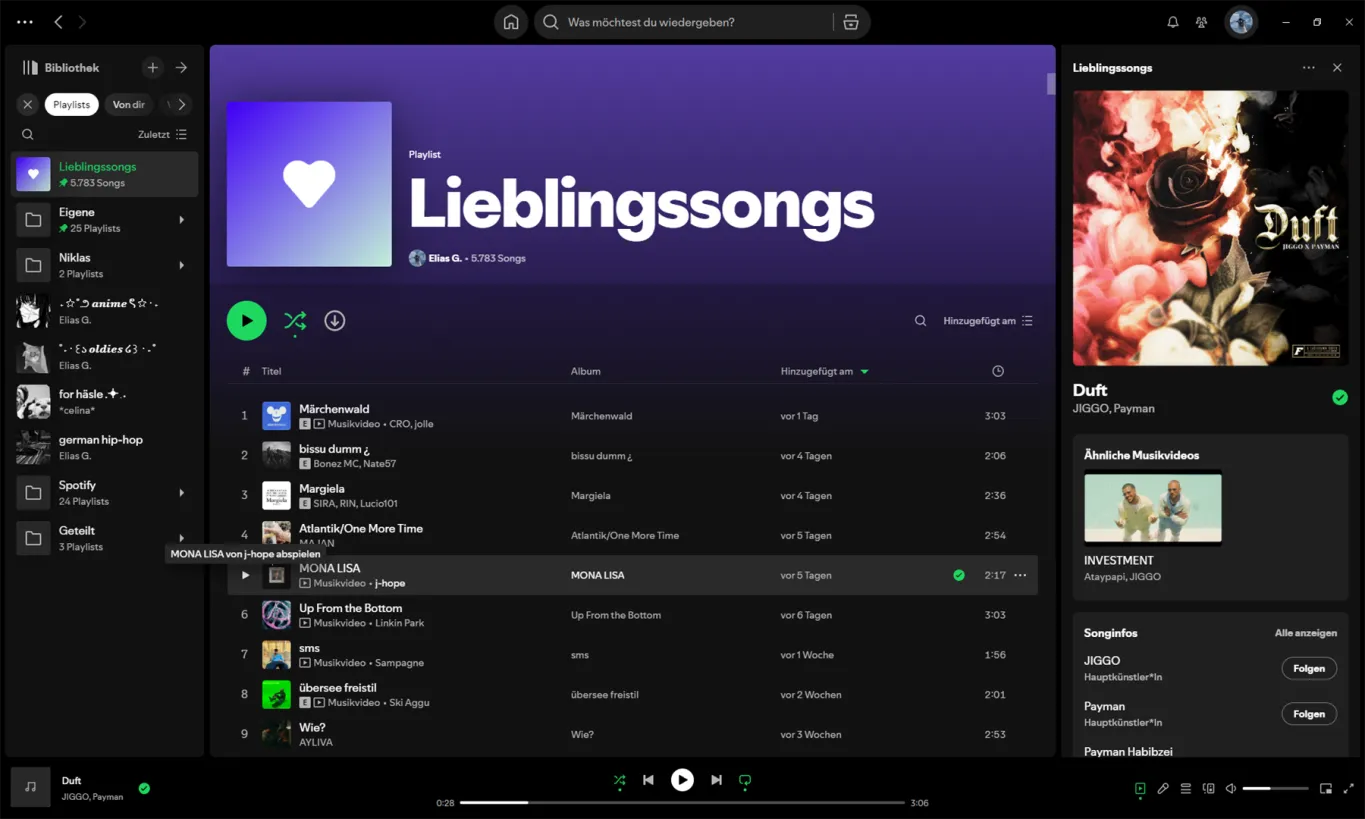
In the central panel, find the song you wish to listen to. Hover over the track "MONA LISA" by j-hope and left-click the red play button beside it. Once clicked, playback of the song should commence immediately.4. Follow Artists
Using PIM AI Toolsuite for getting help with AssortmentCalculation
When viewing details of your selected song, notice the "Folgen" button near the artist's name, e.g., for "JIGGO" and "Payman." Click this button to follow the artists and get updates on new releases.
5. Navigate Play Controls
Yeah yeah
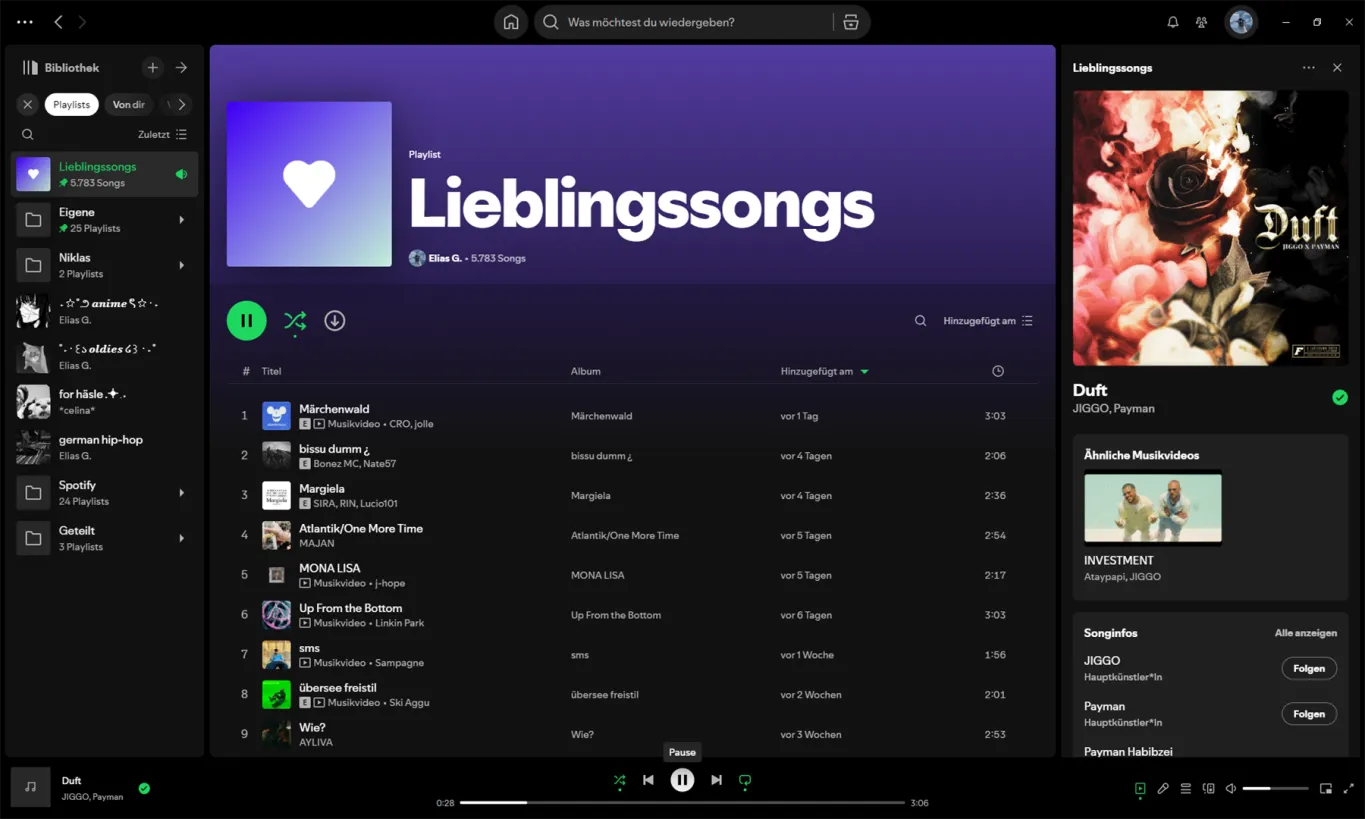
Utilize the bottom control bar for managing playback. Click the large green play/pause button to start or stop the currently playing track. You can skip or repeat tracks using the adjacent controls. The progress bar will help track the playback time.
Conclusion
TEST
Navigating through Spotify is intuitive and user-friendly, allowing an enriched music experience. Should you encounter common issues like playback errors, ensure your internet connection is stable and the app is up to date.
 Powered by happysupport.ai